 Desk Vinyl
A vinyl record widget for MacYour music,
on the record.
Desk Vinyl for Mac is a vinyl record widget for the macOS 26 desktop. Whatever's playing in Spotify or Apple Music turns on a turntable beside your work, with the album cover as its label.
Pro is $6.99 launch week, then $9.99 · macOS 26+





01 · What it does
A turntable widget that keeps time with Spotify and Apple Music.
It sits on your Mac desktop, quiet and to scale, and changes the moment the song does.
Players
Spotify and Apple Music
It reads what your Mac is already playing and follows whichever player you touched last. Nothing to connect.
Controls
Play it from the deck
Play and pause, previous, next, shuffle and repeat sit beside the record. Or just click the record itself.
Artwork
The cover is the label
Every track presses a new record: the album art sits at the centre and turns with it.
Gallery
Double-click for the gallery
Double-click the widget to open the Theme Gallery and swap turntables, or cassette decks, in a second. It's also where you pick how the deck rests when nothing's loaded in your music app.
Battery
Light on the battery
The record spins only while music plays, on the system's own clock effect rather than a loop of redraws.
Privacy
Private by design
Reads what's playing on your Mac itself. No accounts, no analytics, no tracking. What it sends.


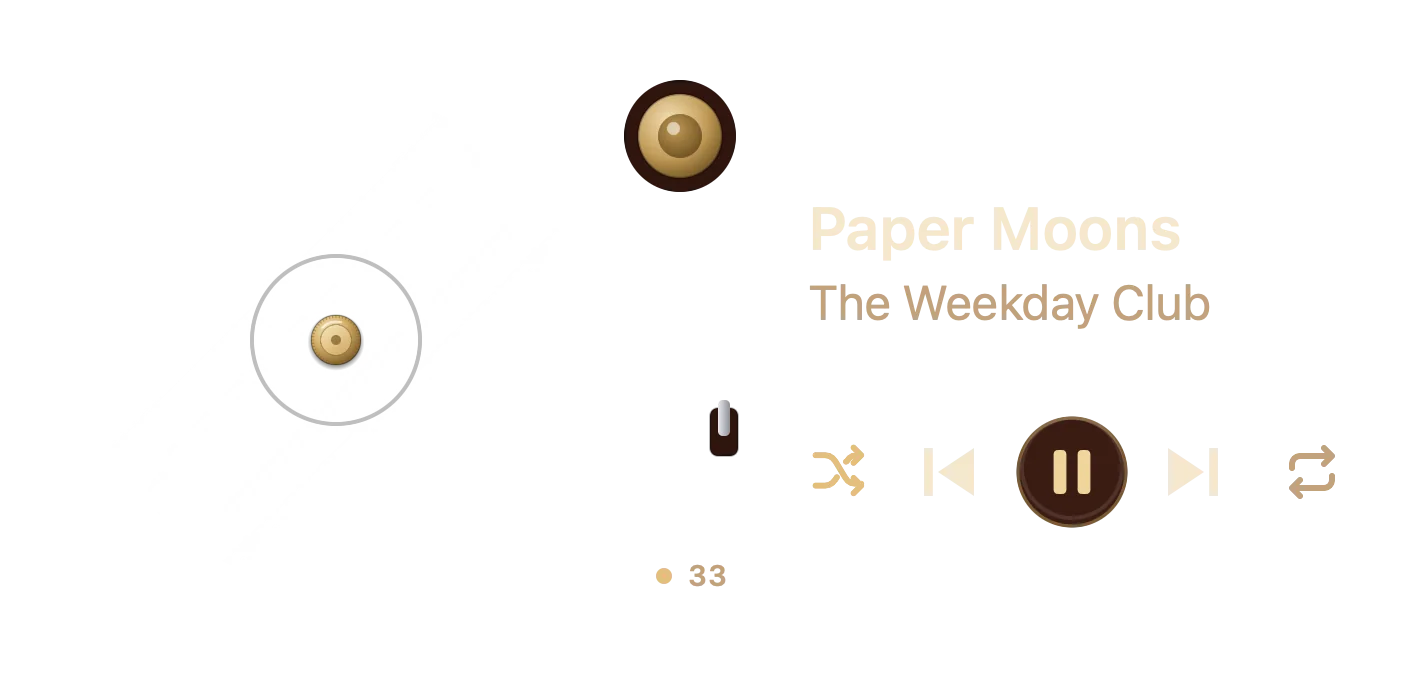


The tonearm
Pause the song and the needle lifts.
Press play and the needle drops back on and the record starts to turn. Pause, and the arm lifts back to its rest while the record stops. Just like the real thing, minus the dust.
02 · Setup
Add the widget: three steps, one minute.
- 1
Download and open Desk Vinyl
A notarized app for macOS 26. It runs in the background: no Dock icon, no window to manage.
- 2
Add the widget
Right-click the desktop, choose Edit Widgets, find Desk Vinyl and drag the medium widget into place.
- 3
Press play
Start a song in Spotify or Apple Music. Allow Desk Vinyl to see it once, and the record starts turning.
03 · The crate
57 turntable and cassette decks, plus Classic. Three on the house.
57 decks: 45 turntables in walnut, oak, painted enamel, aluminium and coloured vinyl, and 12 cassette decks with turning reels, plus Classic (58 cards below). Classic, Walnut Bare and Nordic Oak are free. Desk Vinyl Pro unlocks the other 55.




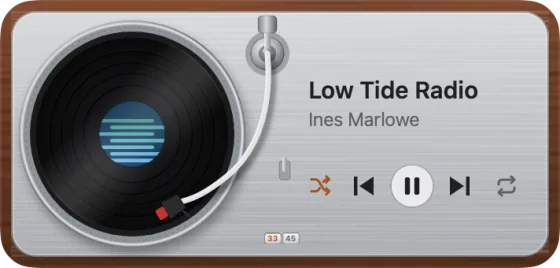

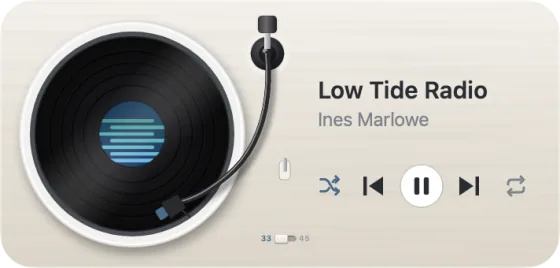

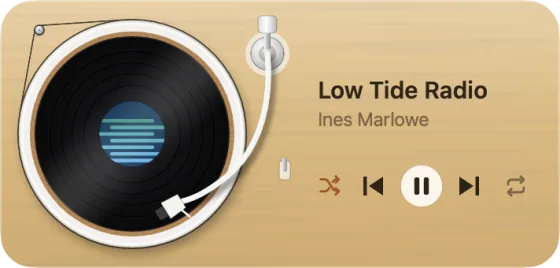
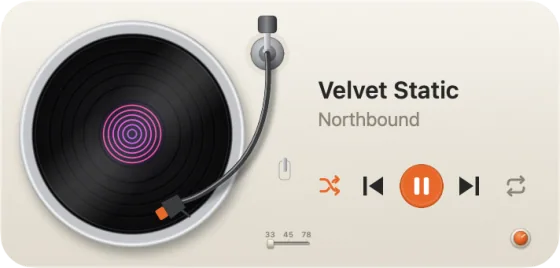

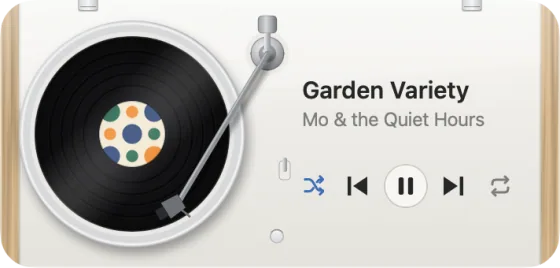


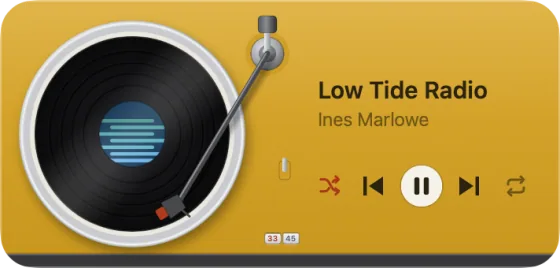

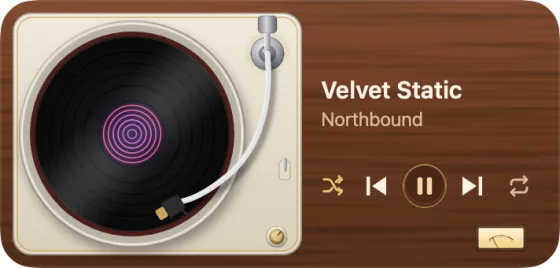

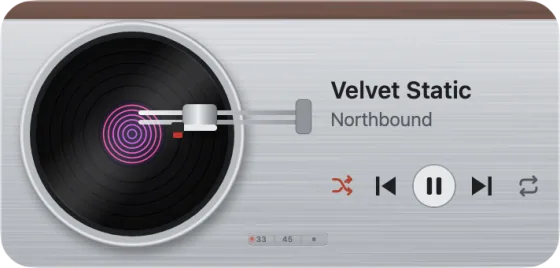

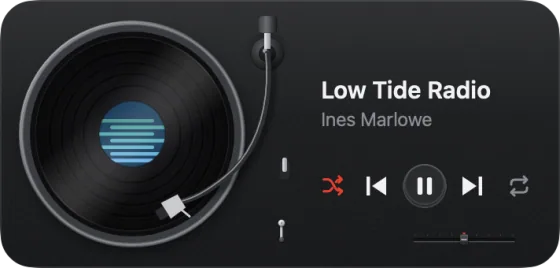

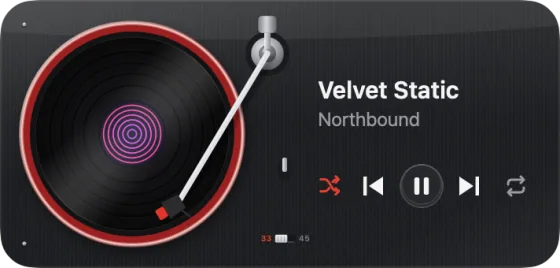

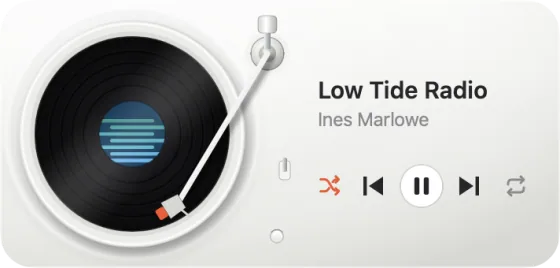
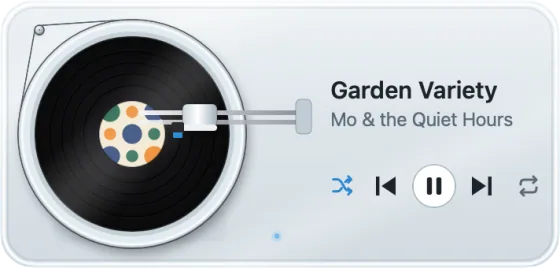
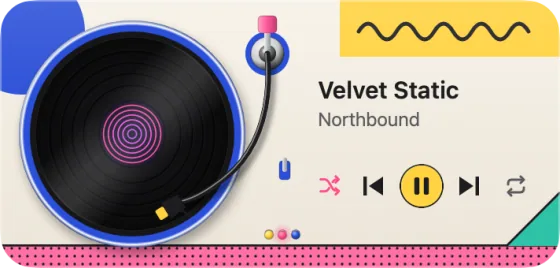
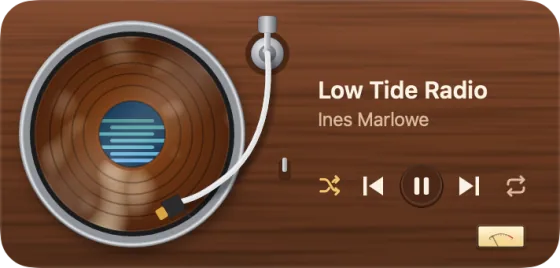

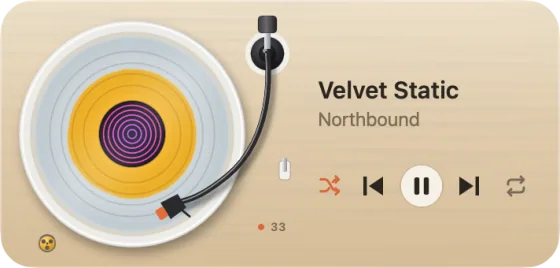

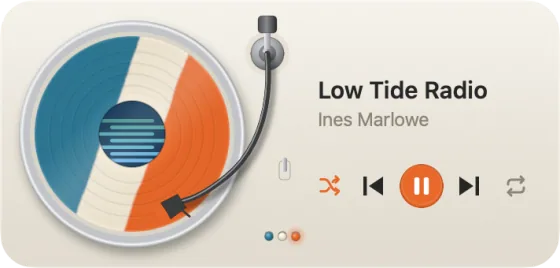
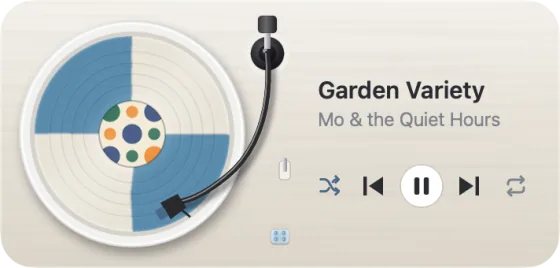
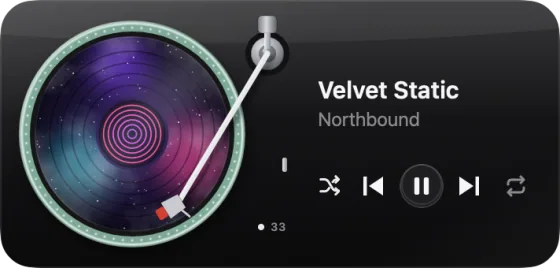
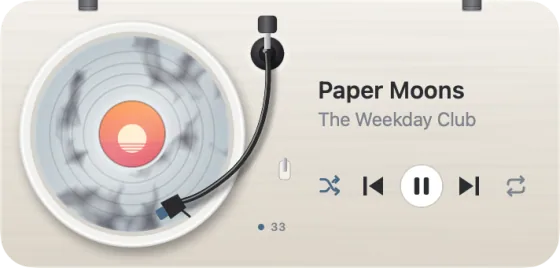
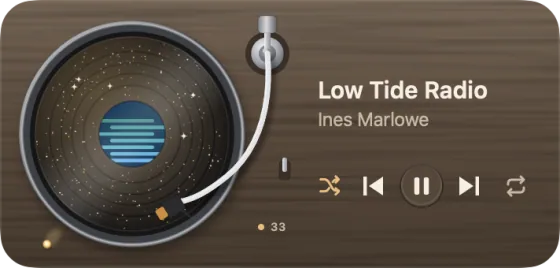
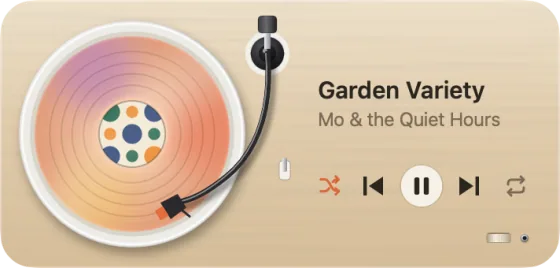
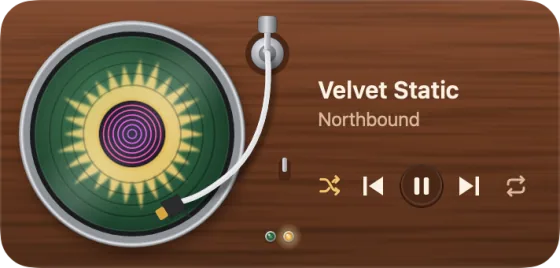

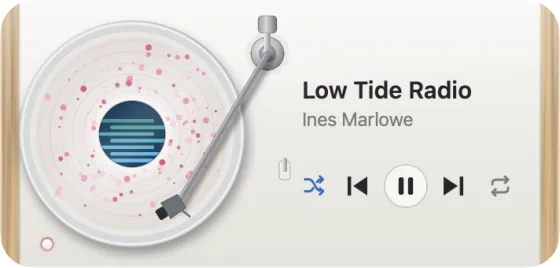

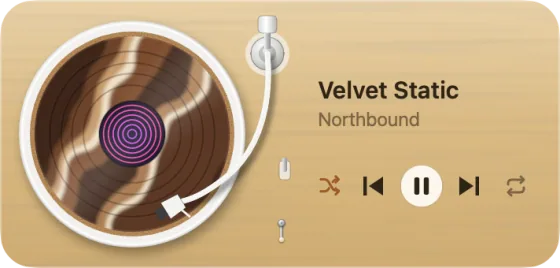
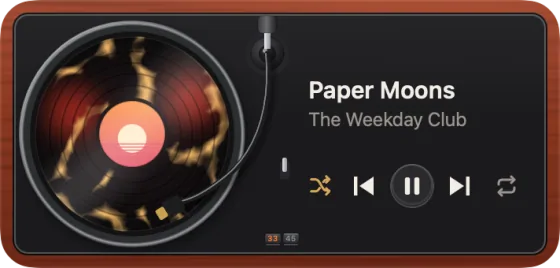
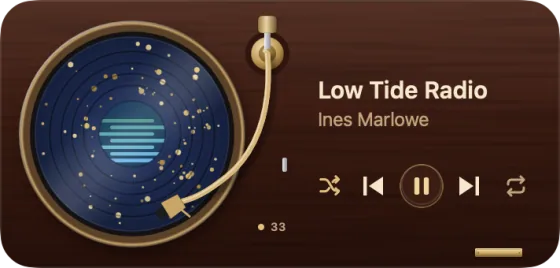

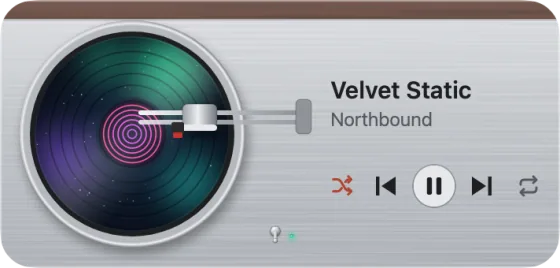
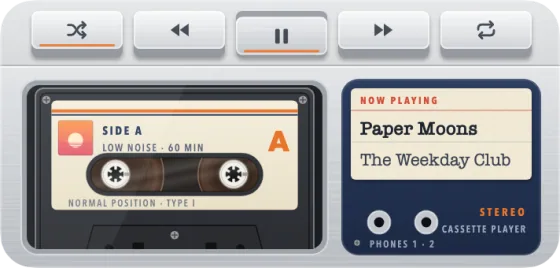
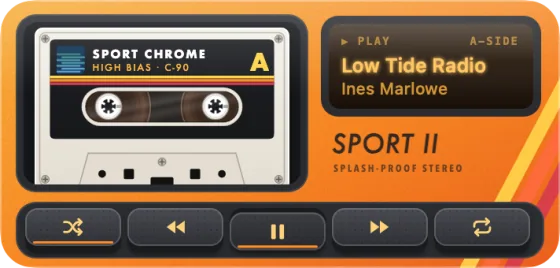
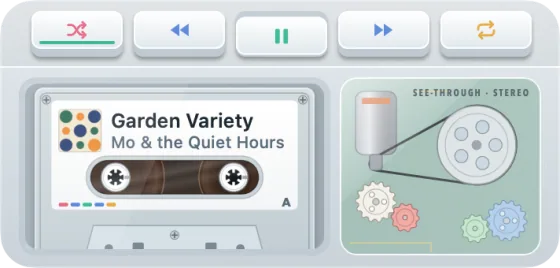
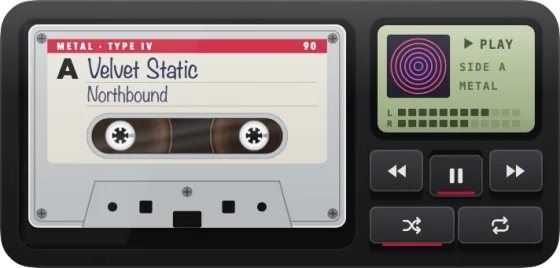
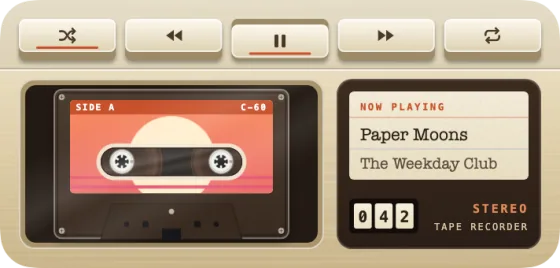
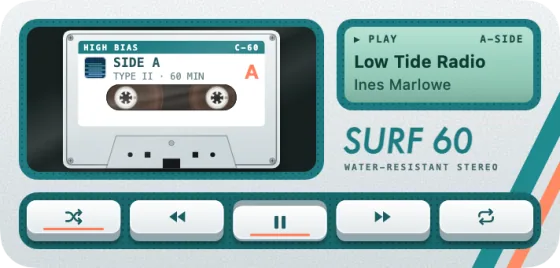
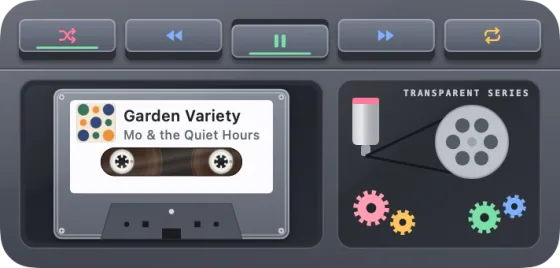
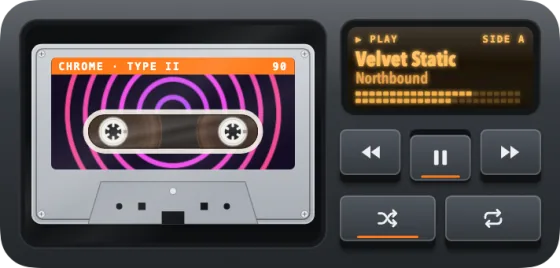
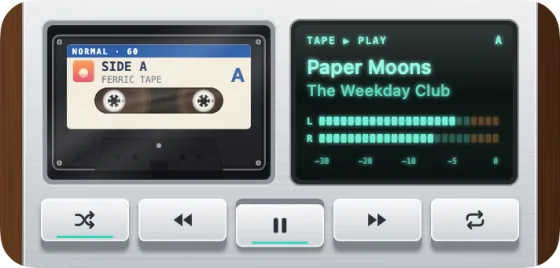
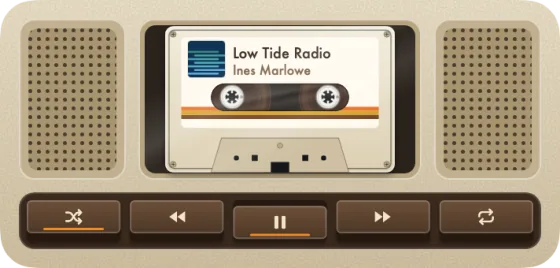

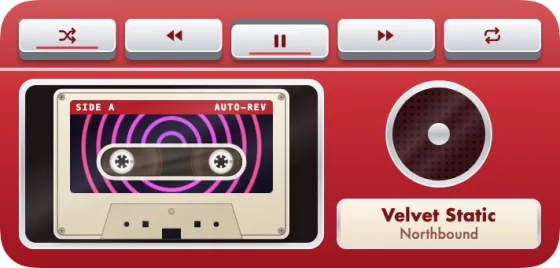
Shown with sample labels. On your desktop, the label is the cover of the song you're playing. See every theme
04 · Pricing
Free to play. Pay once for every pressing.
Desk Vinyl
Free
- The full widget, spin and tonearm
- Play, pause, skip, shuffle and repeat, plus click-the-record play and pause
- Spotify and Apple Music
- Classic, Walnut Bare and Nordic Oak, plus three scenes for when nothing's loaded
Desk Vinyl Pro
Every deck
then $9.99
- All 55 Pro decks, every scene for when nothing's loaded and the scene builder
- Customize: spin speed, finish (even a picture disc), lights and layouts
- A progress bar with tap-to-seek, a Photo Slipmat, and Dead Wax etching with your name or a message, plus ring wear
- The large widget's liner notes and back cover, and share cards without the wordmark
- Pay once and keep it. Nothing renews
- License key by email, for one Mac at a time
Secure checkout by Polar, merchant of record. Prices in USD; local tax is added at checkout. Not for you? Full refund within 7 days, no questions asked.
05 · Questions
Mac widget questions, answered.
- What it is
- A desktop widget for Mac that spins the song playing in Spotify or Apple Music on a turntable or cassette deck, with the album cover as its label.
- Works with
- Spotify and Apple Music, the Mac apps. No other players.
- Requires
- macOS 26 or later, on any Mac. Medium, small and large widgets, plus Control Center controls.
- Price
- Free with three decks. Desk Vinyl Pro unlocks the other 55: $6.99 launch week, then $9.99, paid once.
- License and refunds
- One Mac at a time, key by email. Full refund within 7 days, no questions asked.
- Updated
- . Signed with a Developer ID and notarized by Apple; not on the Mac App Store.
What is Desk Vinyl?
Desk Vinyl is a macOS 26 desktop widget that shows the song playing in Spotify or Apple Music as a record spinning on a turntable, with the album cover as its label. Pause the song and the tonearm lifts. There are 57 decks plus Classic, cassette decks included.
Is there a Spotify widget for Mac?
Spotify doesn't make a desktop widget for the Mac, but Desk Vinyl is one. Add it from Edit Widgets and whatever's playing in Spotify spins on your desktop, with play, pause and skip beside the record. It works with Spotify Free or Premium and with Apple Music. More on the Spotify widget for Mac.
How do I add a music widget to my Mac desktop?
Open Desk Vinyl, then right-click the desktop, choose Edit Widgets, find Desk Vinyl and drag the medium widget into place. Start a song in Spotify or Apple Music and allow Desk Vinyl to see it once. That's the whole setup.
Is Desk Vinyl free? Is Pro a subscription?
Desk Vinyl is free: the full widget, its controls and three decks (Classic, Walnut Bare and Nordic Oak). Desk Vinyl Pro unlocks the other 55 decks and Customize for $6.99 launch week, then $9.99. You pay once and keep it. Nothing renews.
Which Macs does Desk Vinyl run on?
Any Mac running macOS 26 or later. Desk Vinyl comes as medium, small and large desktop widgets, plus play/pause and next-track controls for Control Center, all built on what macOS 26 provides.
Does it run on macOS Sonoma or Sequoia?
No. Desk Vinyl needs macOS 26 or later, so it won't run on macOS 15 Sequoia, macOS 14 Sonoma or anything earlier.
Does it work on a MacBook Air, or on more than one display?
Yes. Any Mac on macOS 26 or later works, MacBook Air included. Each display needs its own widget, so add one on every display you want it on.
Does it work with Spotify and Apple Music?
Yes, both. Desk Vinyl follows whichever one started playing most recently. You don't need an account, a developer key or Premium. macOS asks once whether Desk Vinyl may see each player; click Allow. If you missed it, turn it on in System Settings → Privacy & Security → Automation.
Does it work with YouTube Music, Tidal or other players?
No. Desk Vinyl works only with the Spotify and Apple Music apps on your Mac. YouTube Music, Tidal, Amazon Music, Deezer and music playing in a web browser won't show on the record.
How is it different from a mini player or a wallpaper app?
A mini player is a window you keep on top of your work, and a wallpaper app replaces your desktop picture. Desk Vinyl is a real macOS widget: it sits on the desktop under your windows, works with both Spotify and Apple Music, and the record spins only while music plays.
Will it drain my battery?
It's light: the record spins only while music plays, stops in Low Power Mode, and the widget refreshes when the song changes. While a song plays the arm steps along every 20 seconds; turn off “Arm follows the song” in Customize to stop that.
Can I use my license on more than one Mac?
A license works on one Mac at a time. Moving to a new Mac? If you still have the old one, choose Deactivate This Mac… in Desk Vinyl (menu bar icon › Desk Vinyl Pro…), then enter your key on the new one. If you don't, deactivate it from your license portal (the link is in your purchase email).
What if it isn't for me?
Refunds are no questions asked within 7 days of purchase. Email us from the address you bought with and we'll refund you; Polar processes it. The details are on the refund page.
Where's my license key?
In the email Polar sends after checkout. Paste it into Desk Vinyl (menu bar icon › Desk Vinyl Pro…) and every theme unlocks. Can't find it? Email us and we'll resend it.
The widget is blank or black
Choose Repair Widget from the menu bar icon. If another copy of Desk Vinyl is keeping the widget for itself, it offers to move that copy to the Trash; for a copy on the disk image, eject the disk image. If the widget is still blank, remove it and add it again from Edit Widgets.
The buttons do nothing
Desk Vinyl needs your OK to see Spotify or Apple Music. In the Theme Gallery's footer (menu bar icon › Theme Gallery…), or in the welcome sheet (menu bar icon › How to Add the Widget…), click Fix… beside a player marked “not allowed” and turn it on in Privacy & Security → Automation. Still nothing? Choose Repair Widget from the menu bar icon.
I can't see the widget
With Stage Manager on, macOS can hide desktop widgets. In System Settings → Desktop & Dock, set Stage Manager › Show desktop items. Each display needs its own widget, so add one on every display you want it on.
Colours look grey
In System Settings → Desktop & Dock, a Widget style of Automatic or Monochrome makes macOS draw desktop widgets in one colour while another app is in front. Desk Vinyl switches to a line-art deck then. For the full wood and colour all the time, choose Full-color.
The widget says Desk Vinyl isn't running
The widget shows “Desk Vinyl isn't running · Click to open” when the app isn't open in the menu bar. Click the widget to open it. To have it start by itself, turn on Open at Login (menu bar icon, or Settings › General).
How do I uninstall Desk Vinyl?
Remove the Desk Vinyl widgets from your desktop, turn off Open at Login and choose Quit Desk Vinyl from the menu bar icon, then drag Desk Vinyl to the Trash. To clear what it saved, also delete the folder ~/Library/Group Containers/KKF9Y4MB4G.com.arand.deskvinyl and the file ~/Library/Preferences/com.arand.deskvinyl.plist. Have a Pro license? First choose Deactivate This Mac… (menu bar icon › Desk Vinyl Pro…, or Settings › Pro), so you can use your key on another Mac.
Why isn't it on the Mac App Store?
The smooth spin uses a technique App Store widgets can't. Desk Vinyl is signed with a Developer ID and notarized by Apple, so it opens like any other Mac app.
Drop the needle.
Coming later for Pro: your name in gold script on the deck itself.